A lightweight, batteries-included desktop suite for developers, modders, and power users to manage and automate Android at maximum speed.
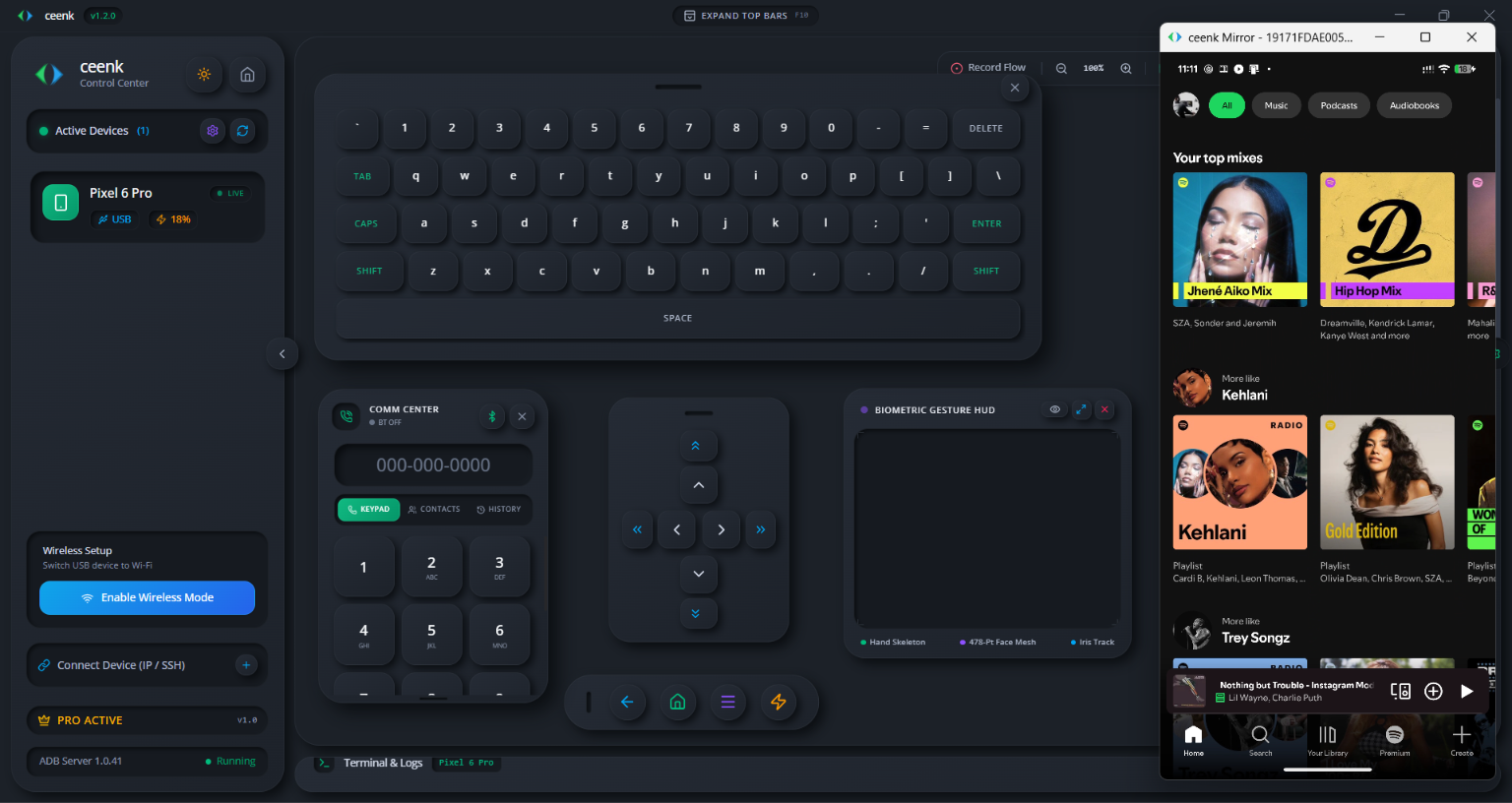
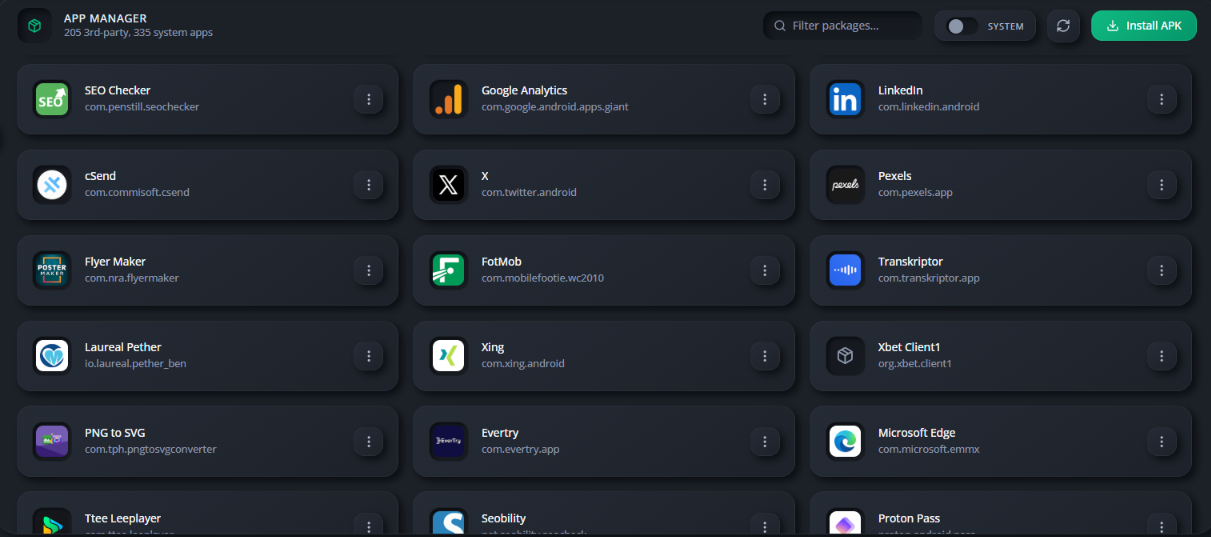
Click through the live panels of ceenk Control Center
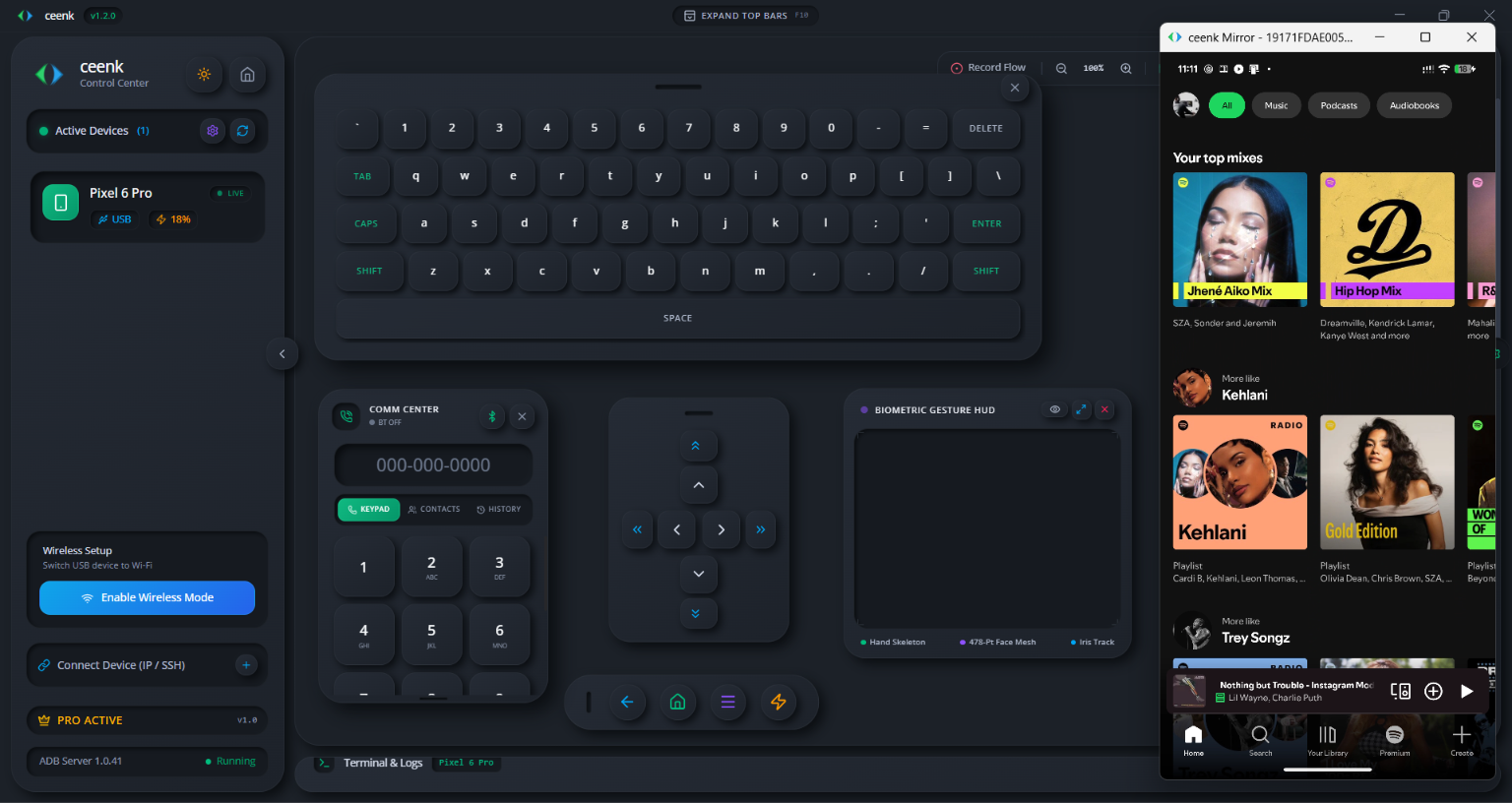
From developer diagnostics to zero-touch hand gestures and partition flashing, ceenk delivers a comprehensive, high-performance desktop control center.
Hardware-accelerated 60FPS video stream with direct touch emulation, high-fidelity system audio forwarding, and dynamic bitrate scaling.
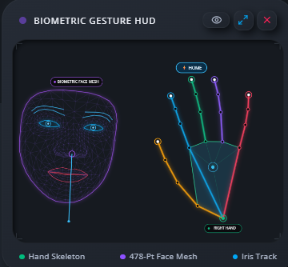
Control your device with hands-free gestures. Real-time webcam hand pinches, flicks, and facial landmarks (head tilts, winks, jaw motions) run 100% locally.
Generate and execute complex multi-step mobile automation sequences in plain natural language, or trigger automated macros completely offline.
Flash partitions (`boot`, `recovery`, `vendor_boot`, `vbmeta`), toggle active A/B slots, read all fastboot variables, and reboot into recovery or EDL mode with safety guards.
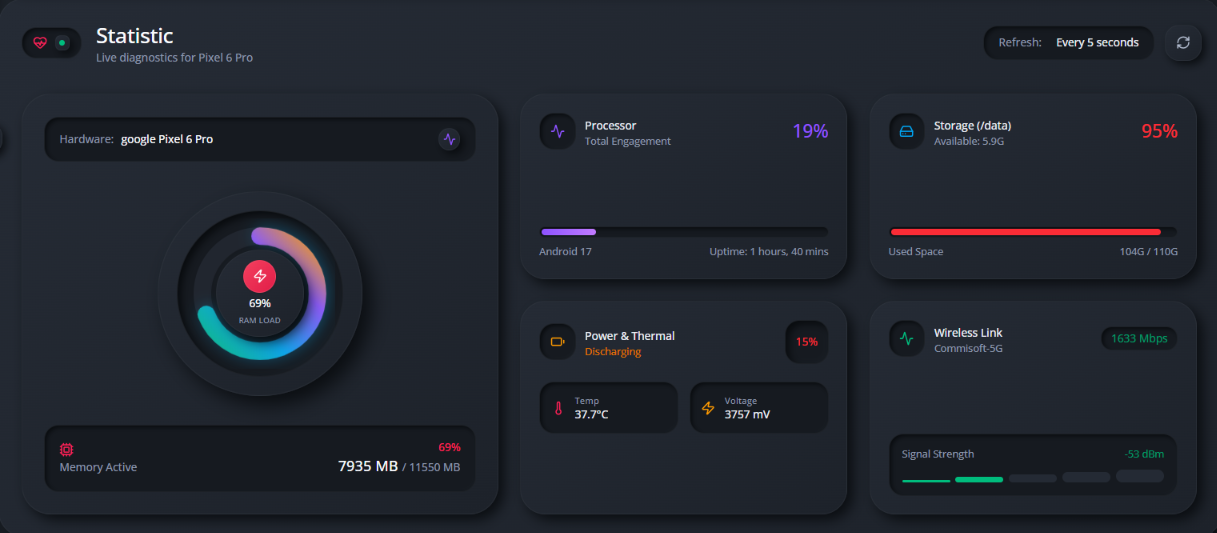
Live telemetry dashboard monitoring RAM utilization, CPU thread distribution, battery thermals, voltage stability, storage breakdown, and network bandwidth.
Two-way drag-and-drop file transfers, one-click APK extraction and batch installs, and real-time color-coded logcat filtering with multi-device search.
Affordable pricing for developers, modders, and power users.
Essential low-latency mirroring and remote control for everyday users.
Unleash biometric HUD, AI automation flows, Fastboot studio, and real-time hardware telemetry.
Instant digital license key delivery. 14-day money-back guarantee.
Runs on Windows 10/11 (64-bit). Fully self-contained desktop package with all required device services included out of the box.
Recommended setup with desktop shortcuts and auto-updater.
Extract and run anywhere, including on USB flash drives.
Everything you need to know about ceenk and licensing.
No root is required for screen mirroring, touch control, audio forwarding, gestures, or app management. Root is only optionally utilized if you want advanced system-level partition writes.
Yes. Connect via USB once to enable Wireless TCP/IP, or enter your device’s local IP address directly in the sidebar. Once enabled, you can mirror and control your phone completely cord-free on the same Wi-Fi network.
100% private and offline. ceenk processes computer vision models entirely on your local machine. No camera frames, video feeds, or biometric coordinates are ever uploaded to any external server or network.
Upon purchase, you will immediately receive a digital license key (e.g., CEENK-PRO-XXXX-XXXX). Open ceenk, click Upgrade to Pro or go to Settings → License, and paste your key to activate all Pro features instantly.